Lock sensitive apps
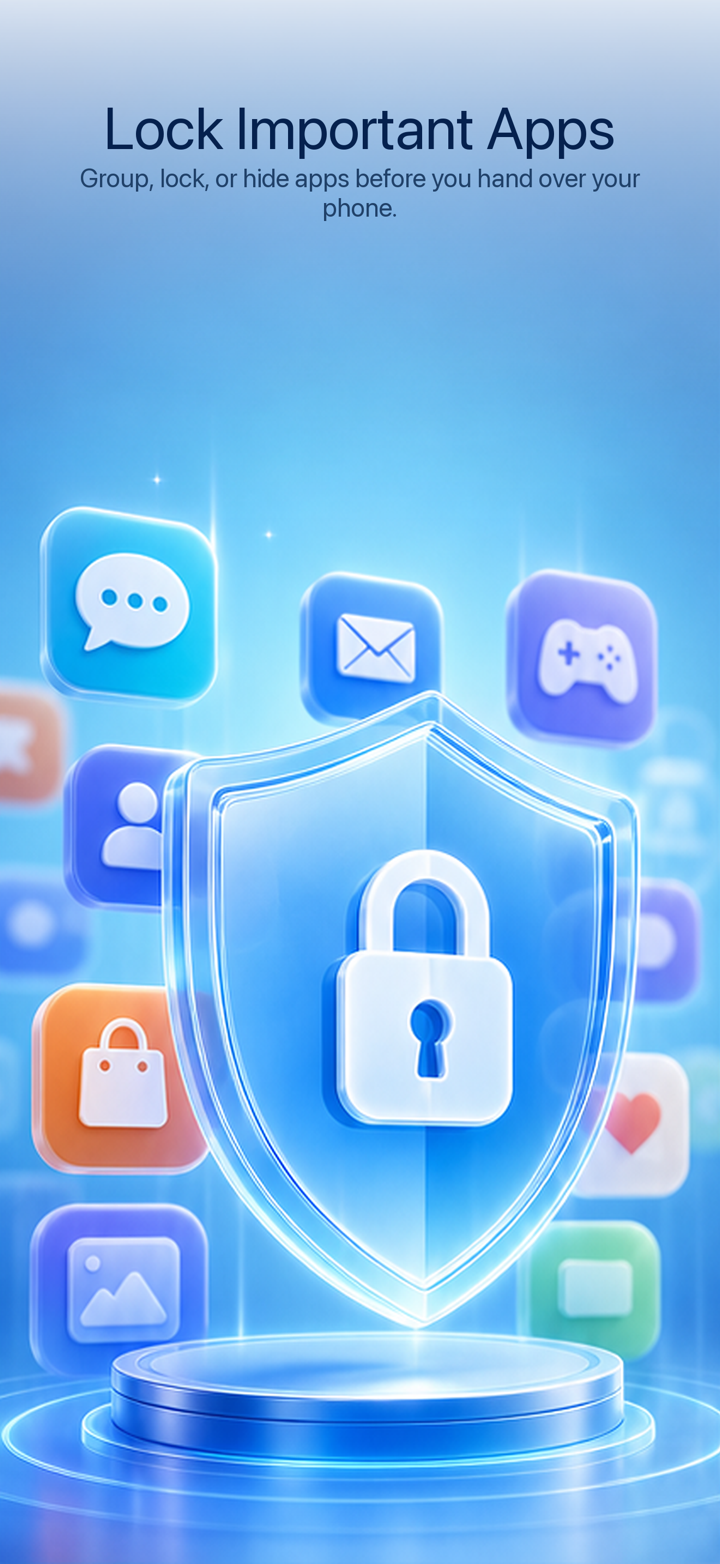
Group chats, photos, social apps, and work tools so you can tighten access before lending your phone.
Privacy and app control for iOS
iPhone Locker creates clear boundaries for sensitive apps, private content, and system settings. It is designed for lending your phone, sharing a family device, child-use moments, and mixed work-personal phones.
Core capabilities
Group chats, photos, social apps, and work tools so you can tighten access before lending your phone.
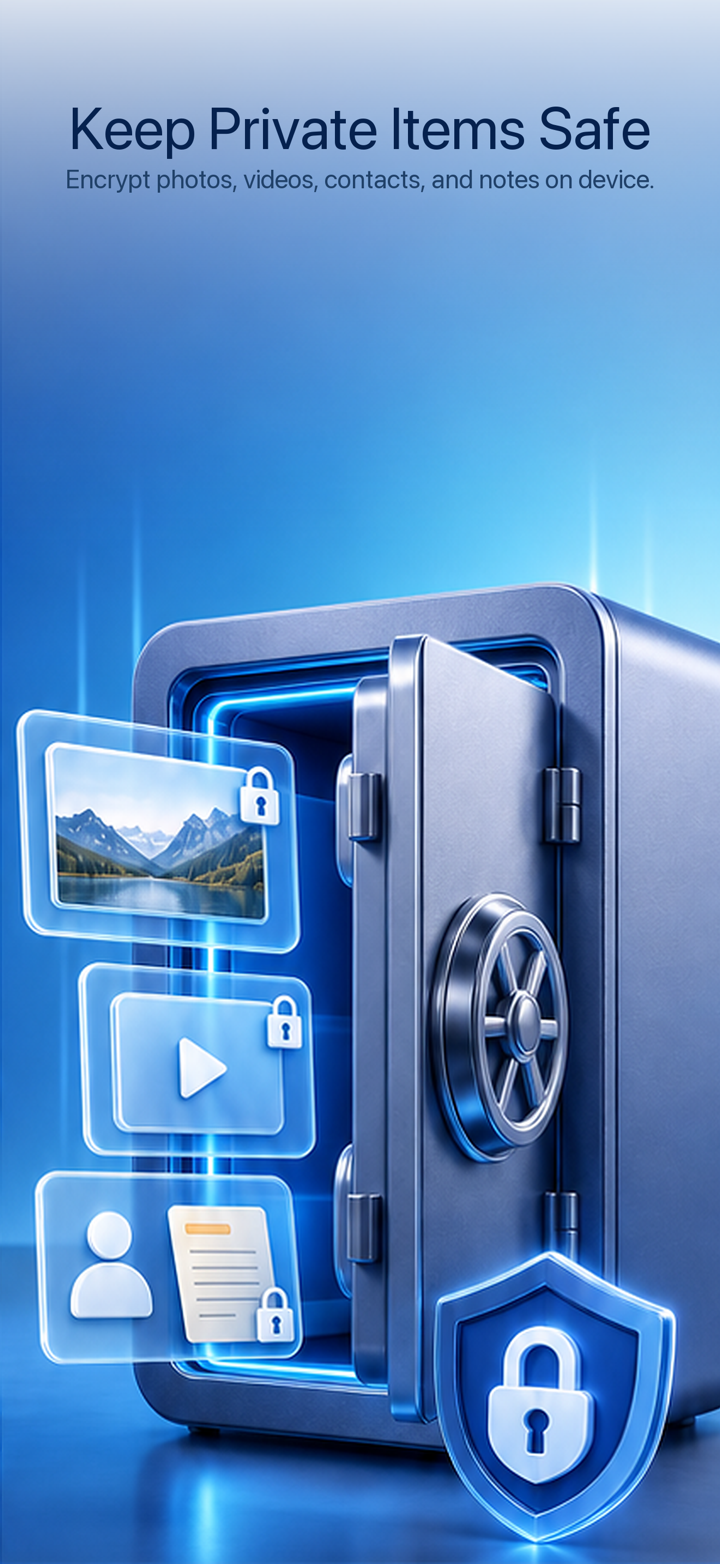
Separate photos, videos, contacts, and notes from everyday system apps.
Manage installation, deletion, account changes, time settings, games, and child-related entries.
Use password, Face ID, and lock-on-exit behavior to return key apps to a protected state.
Use cases
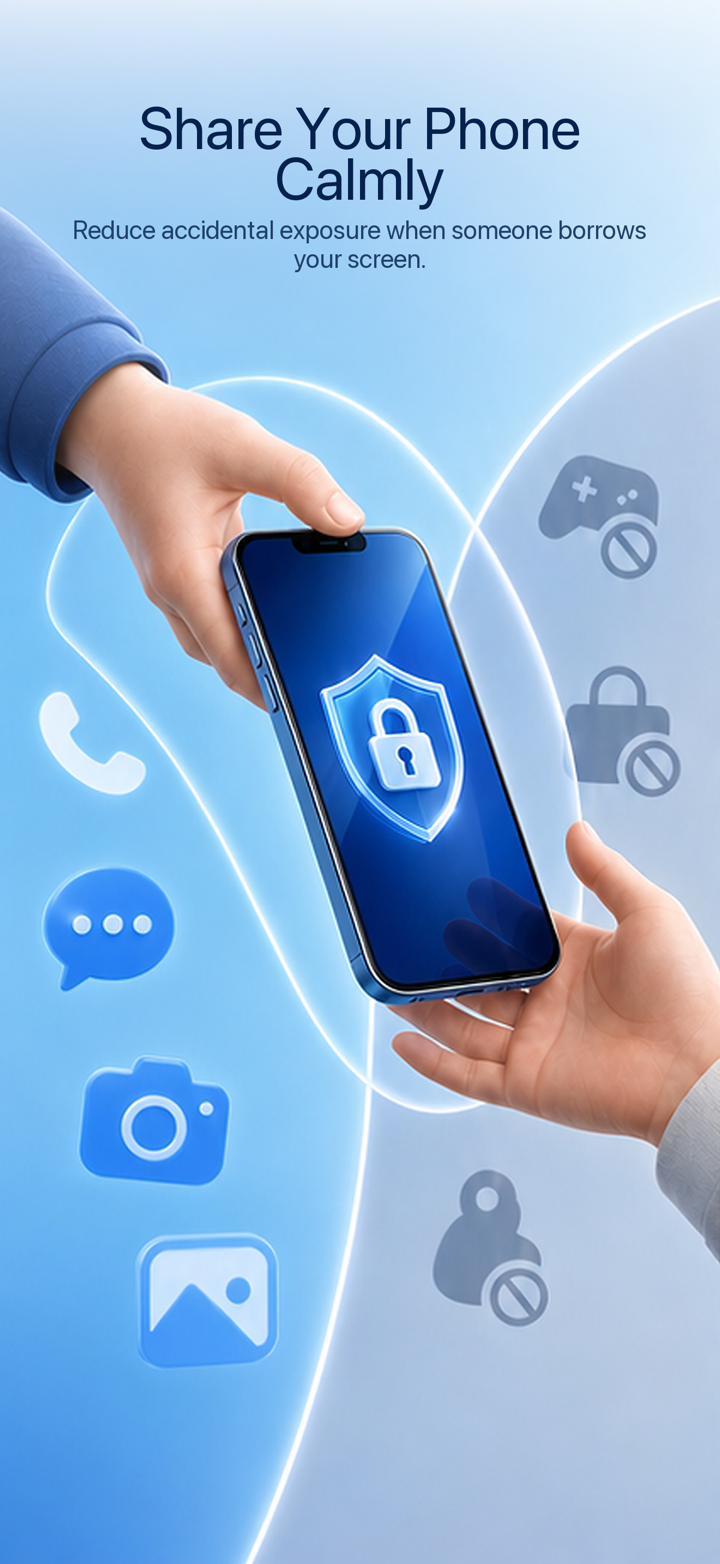
When the phone is in your own hand, the system lock screen does its job. When the phone is handed to someone else, app-level, content-level, and system-level boundaries become more useful.
See all featuresUpdates